
Point of sale
Take orders, add extras, and collect cash, card, or transfer payments. Split bills and apply discounts.
- Open tabs per table or to-go
- Split bills and payments
- Combos and modifiers with rules
La Comanda point of sale with an active order
$149 MXN a month.
La Comanda is a restaurant point of sale system for Mexico. Take orders, send them to the kitchen, and collect payments in one system. Includes tables, QR menus, cash control, and reports. Use the computer or tablet you already own.
These features are included from day one.
Take orders, add extras, and collect cash, card, or transfer payments. Split bills and apply discounts.
La Comanda point of sale with an active order
The kitchen receives each order as you send it. Staff can see what is pending, in preparation, or ready.
La Comanda kitchen display with orders in preparation
Organize tables by area. Check which are occupied, join tables, and move tabs when needed.
La Comanda floor plan editor
Guests browse your menu and order from their phone. Choose from 12 designs and add your logo, colors, and photos.
La Comanda public menu on a phone
Manage prices, photos, extras, and combos. Changes appear in the point of sale and QR menu.
La Comanda product catalog
Record cash deposits and withdrawals. At the end of the shift, count bills and coins and compare the total with your records.
A register closeout summary in La Comanda
Record tips and choose how to split them: equally, by hours, or by points. Each employee can view their history.
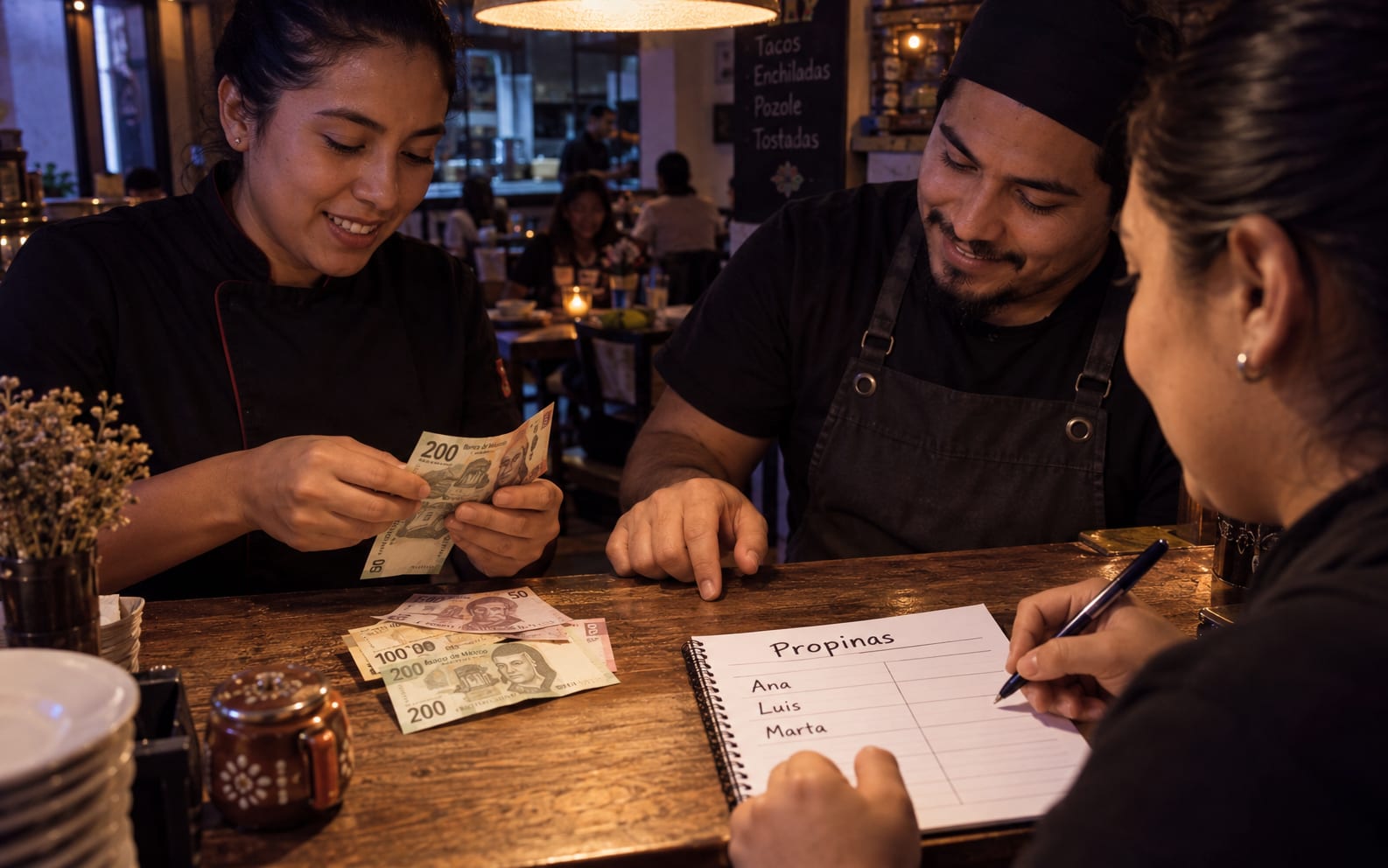
Restaurant staff counting and splitting tips
Review sales, best sellers, tips, and closeouts. The plan includes nine reports and data exports.
La Comanda reports dashboard
Invite staff by email and assign permissions by role. Manage several locations from the same account.
A restaurant crew at the end of the shift
Use La Comanda on your computer or tablet. Connect a thermal printer and, if needed, a Mercado Pago Point terminal.
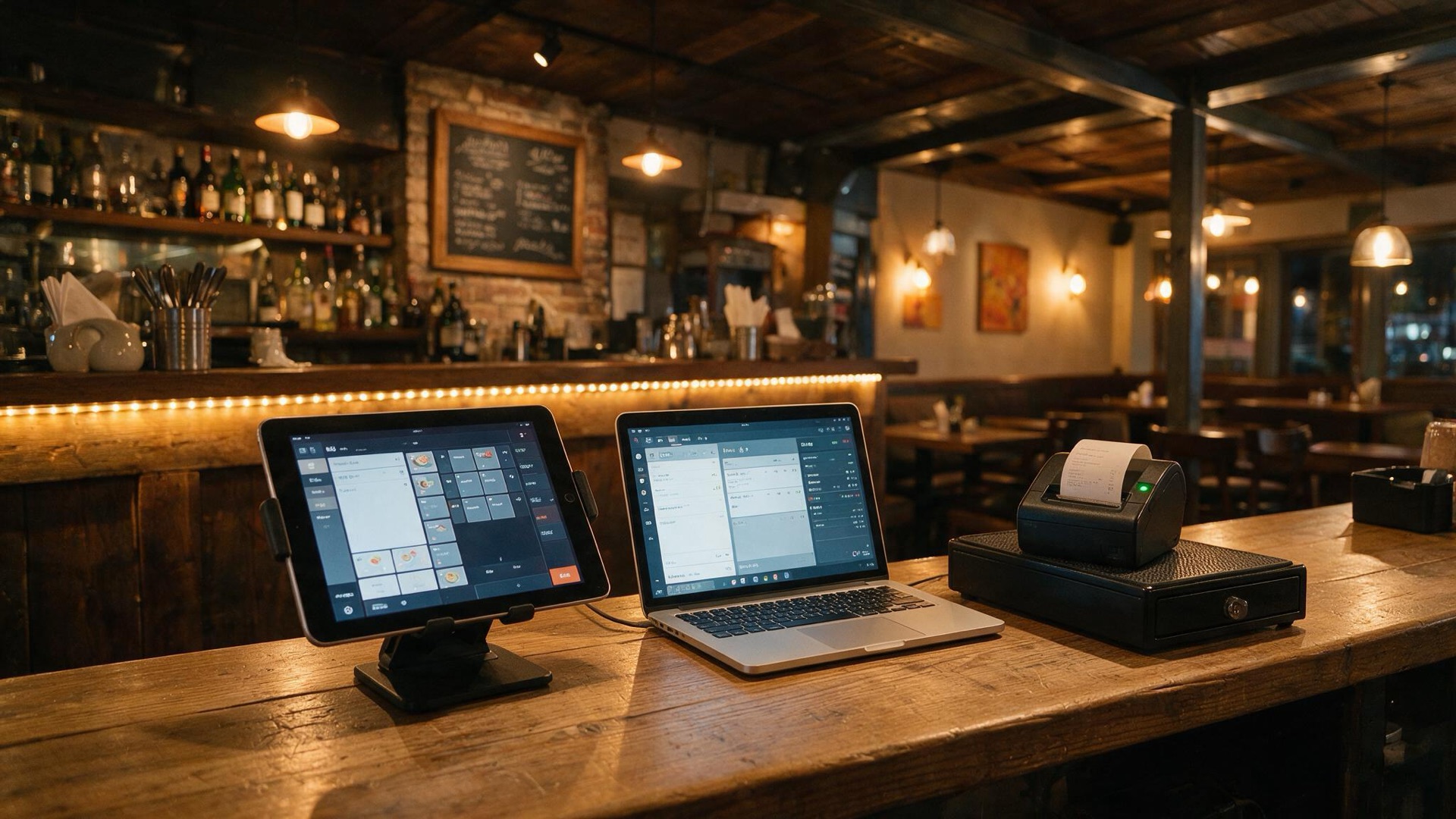
A restaurant's own hardware: tablet, computer, and thermal printer
01 of 10
See all 138 available features.
Modules are optional. Review what each one includes and how much it costs per month.
Select modules to calculate your monthly price.
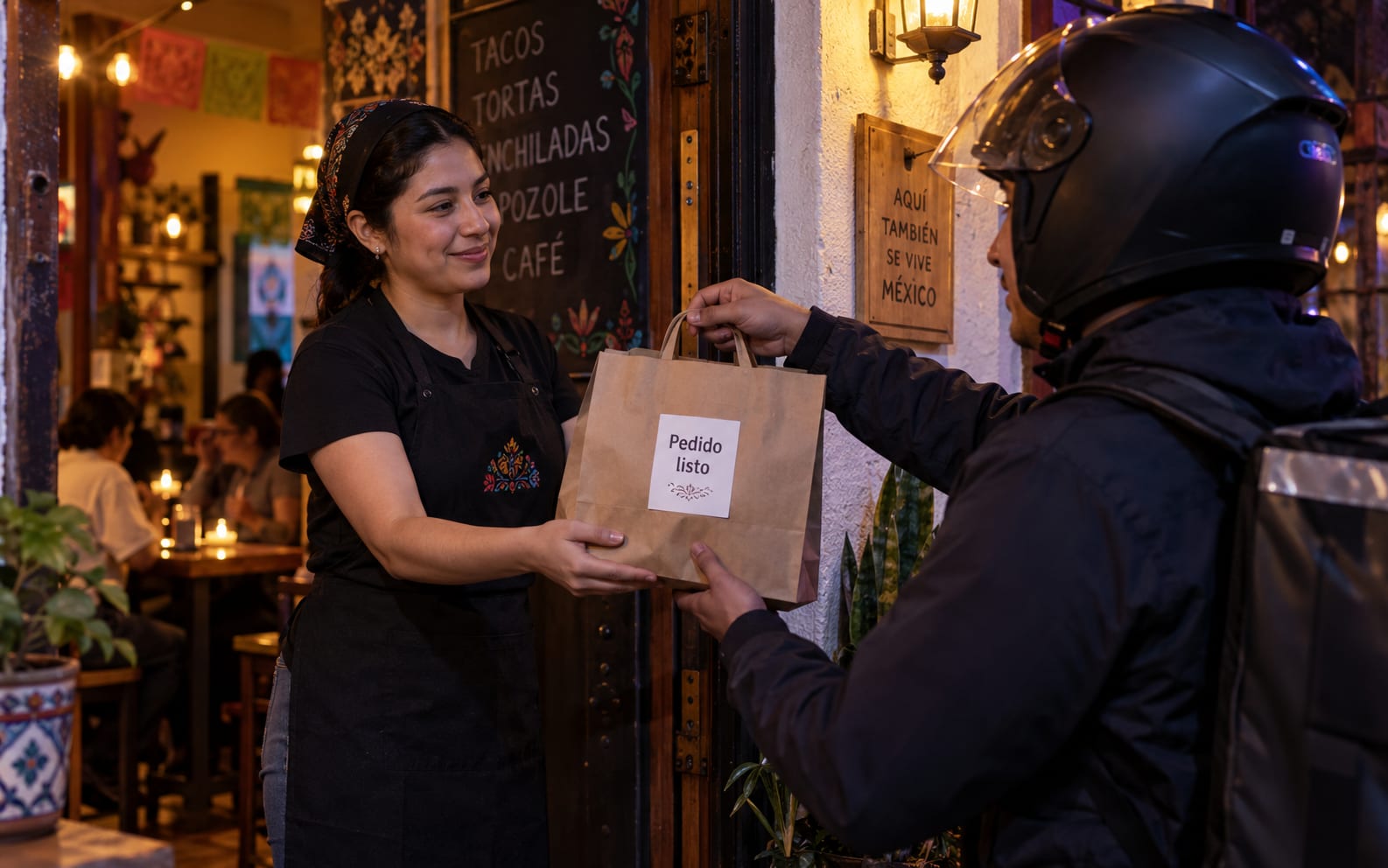
Receive takeout or delivery orders and collect payments with Mercado Pago. Deliver with Uber Direct or your own courier.
Table-QR ordering does not need this module: it is included in your plan.
Online Payments & Delivery
+$49/mo
ModuleIncluded in your trial
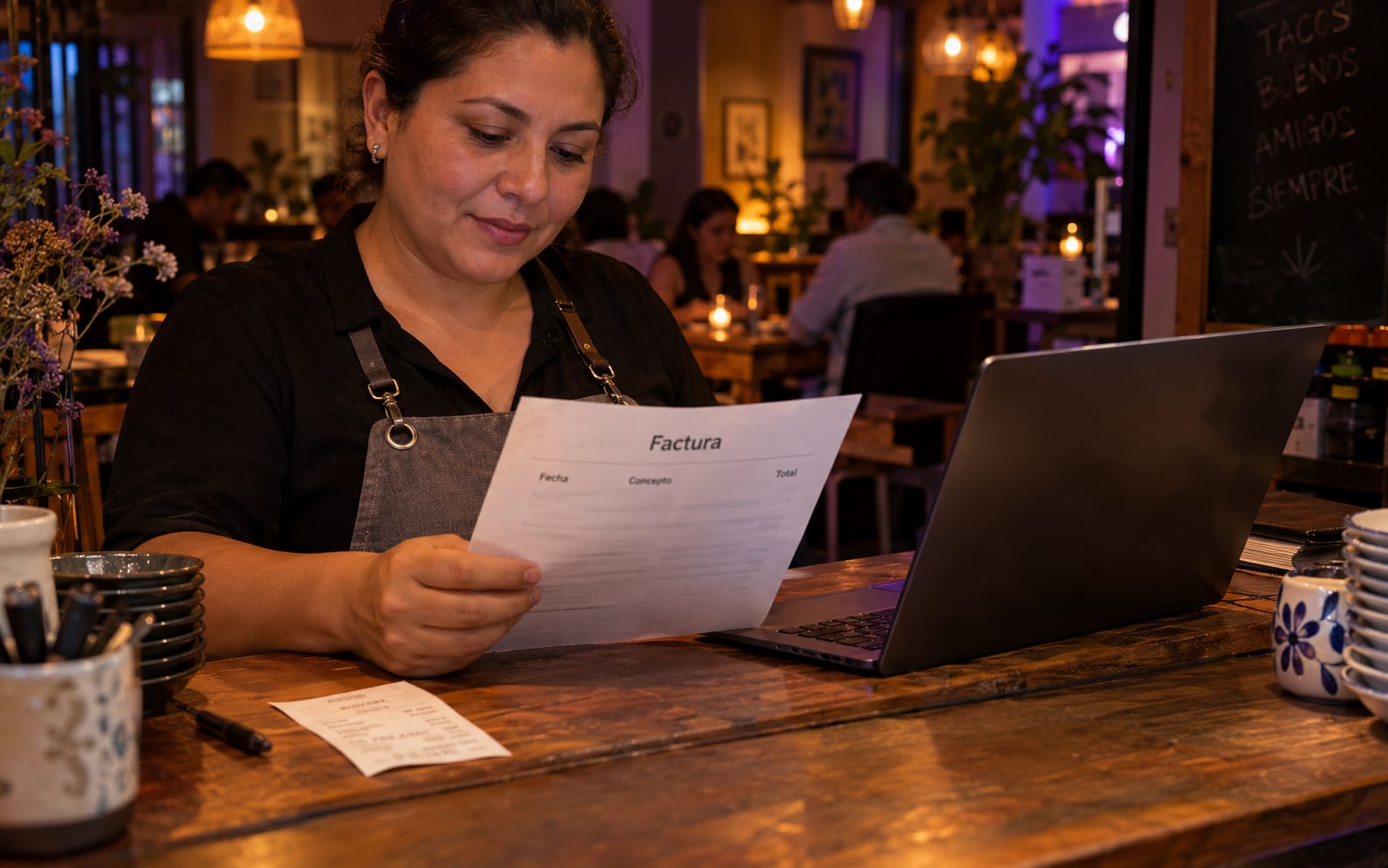
Issue CFDI 4.0 invoices, offer self-invoicing from receipts, and create a monthly global invoice. To start, enter your fiscal details, upload your CSD, and sign the Carta Manifiesto.
Requires a paid module and completed fiscal setup. Not included in the free trial.
Electronic Invoicing
+$129/mo
ModulePast your limit, each extra invoice costs $1.00 MXN. We'll warn you before you get there.
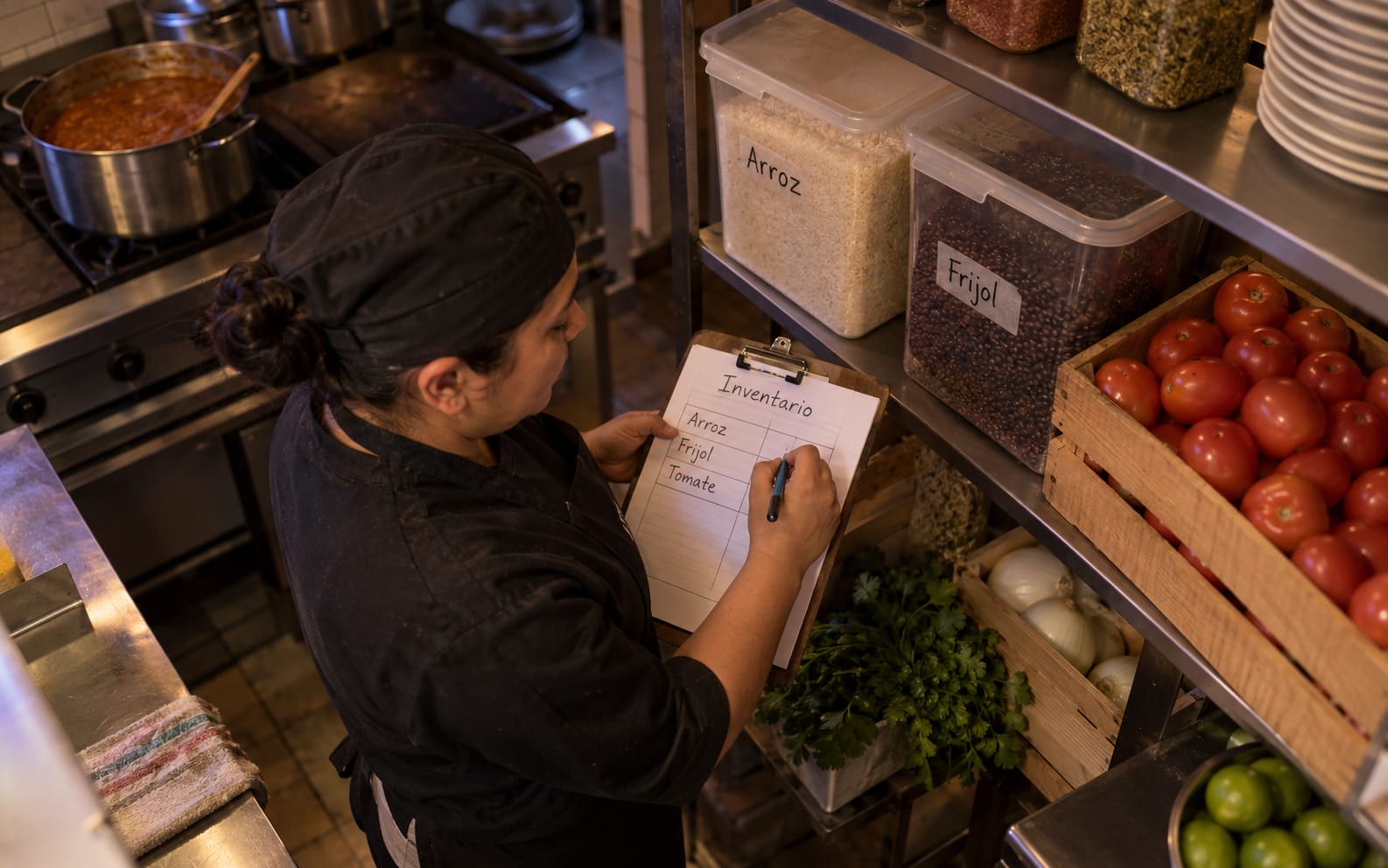
Track stock and deduct ingredients when you sell. Inventory Pro adds purchasing, suppliers, costs, and automatic dish availability.
Included free during your trial (Pro tier). Add it when you subscribe to keep tracking your inventory.
Inventory Control
+$99/mo
Module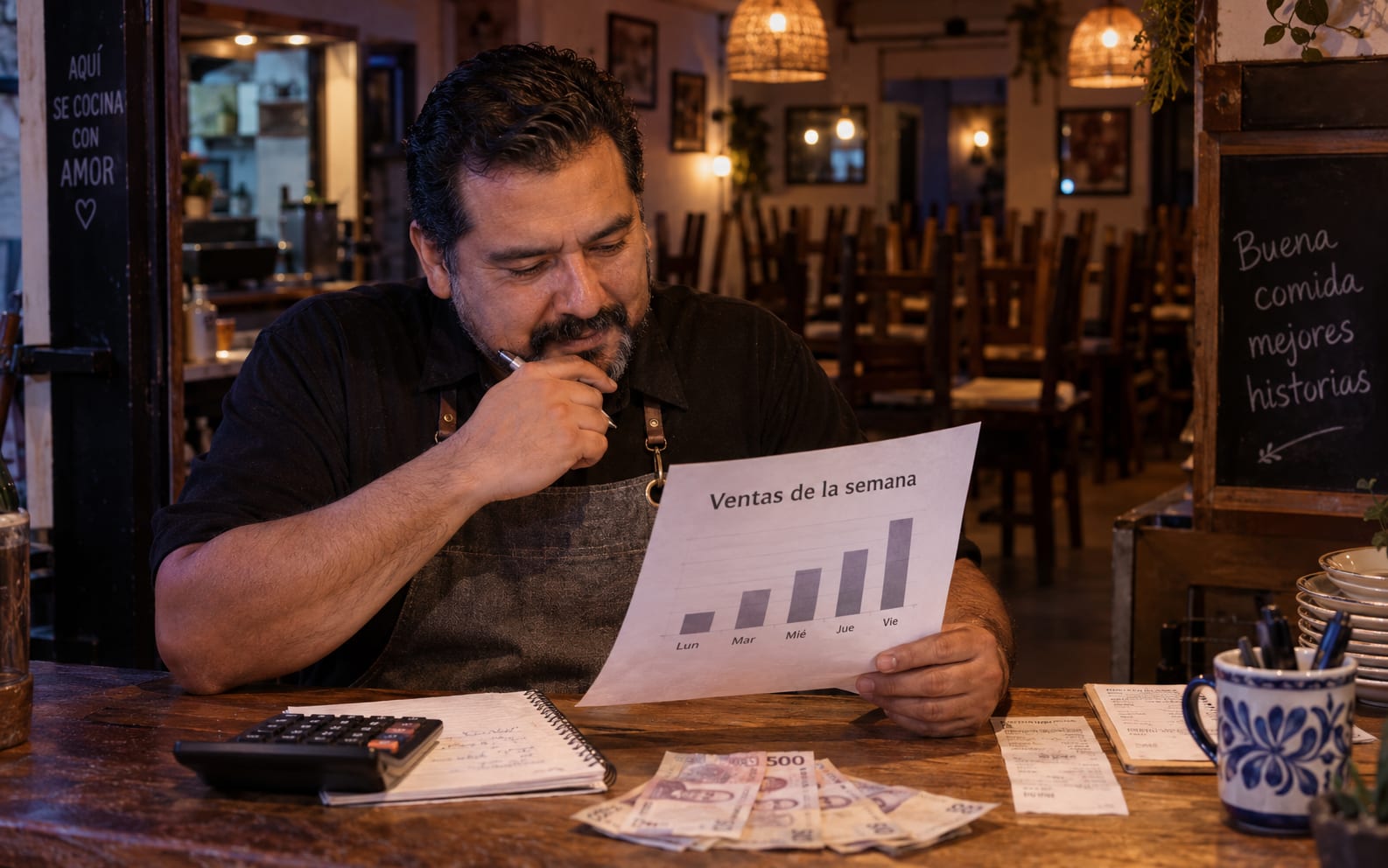
Review 13 additional reports: employee sales, dish performance, busy hours, and repeat customers. Schedule email reports.
Your plan still includes for free: shift summary, hourly sales, reconciliation, discrepancies, tips, best sellers, sales by category, and exports of the last 90 days.
Reportes Pro
+$99/mo
ModuleIncluded in your trial
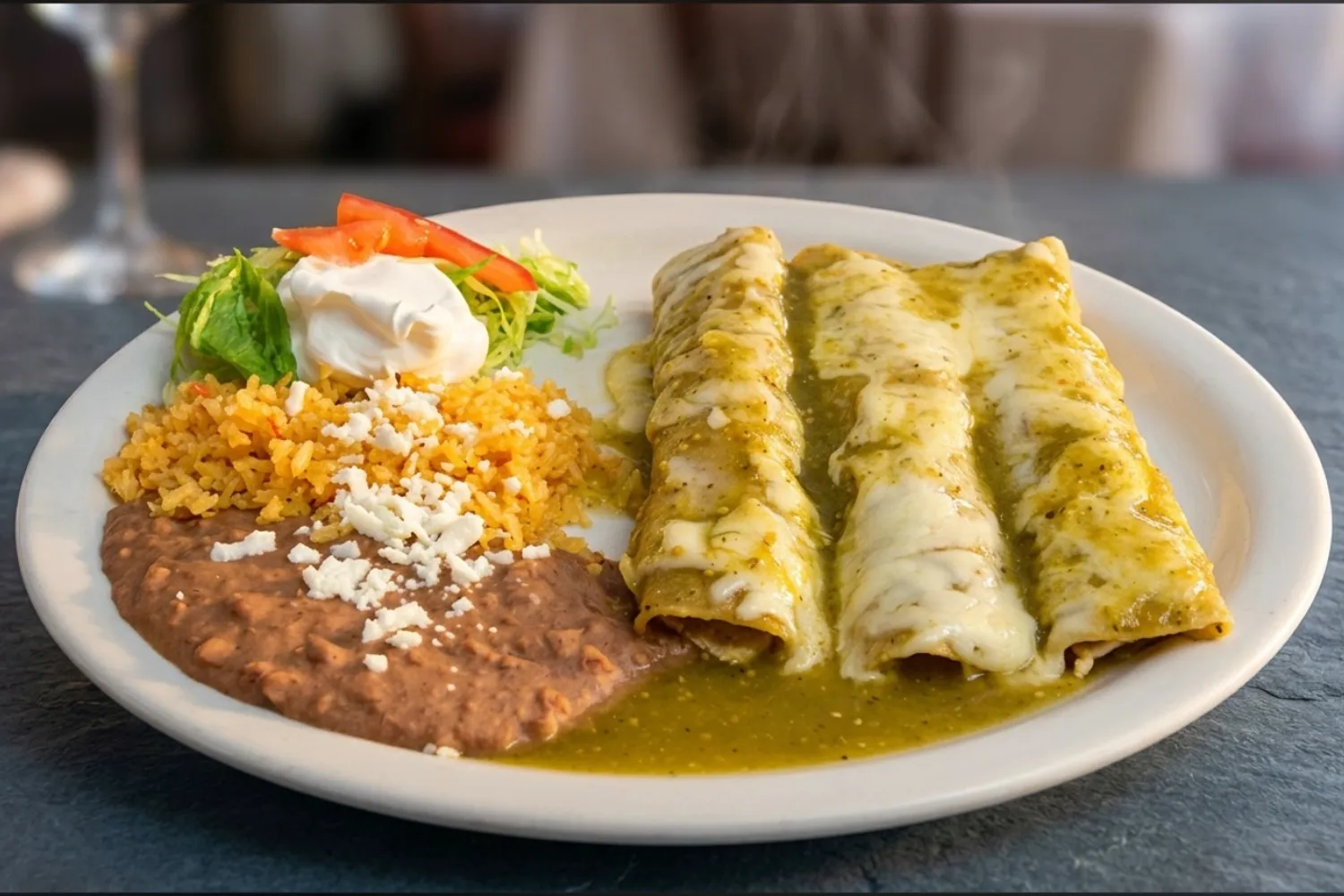
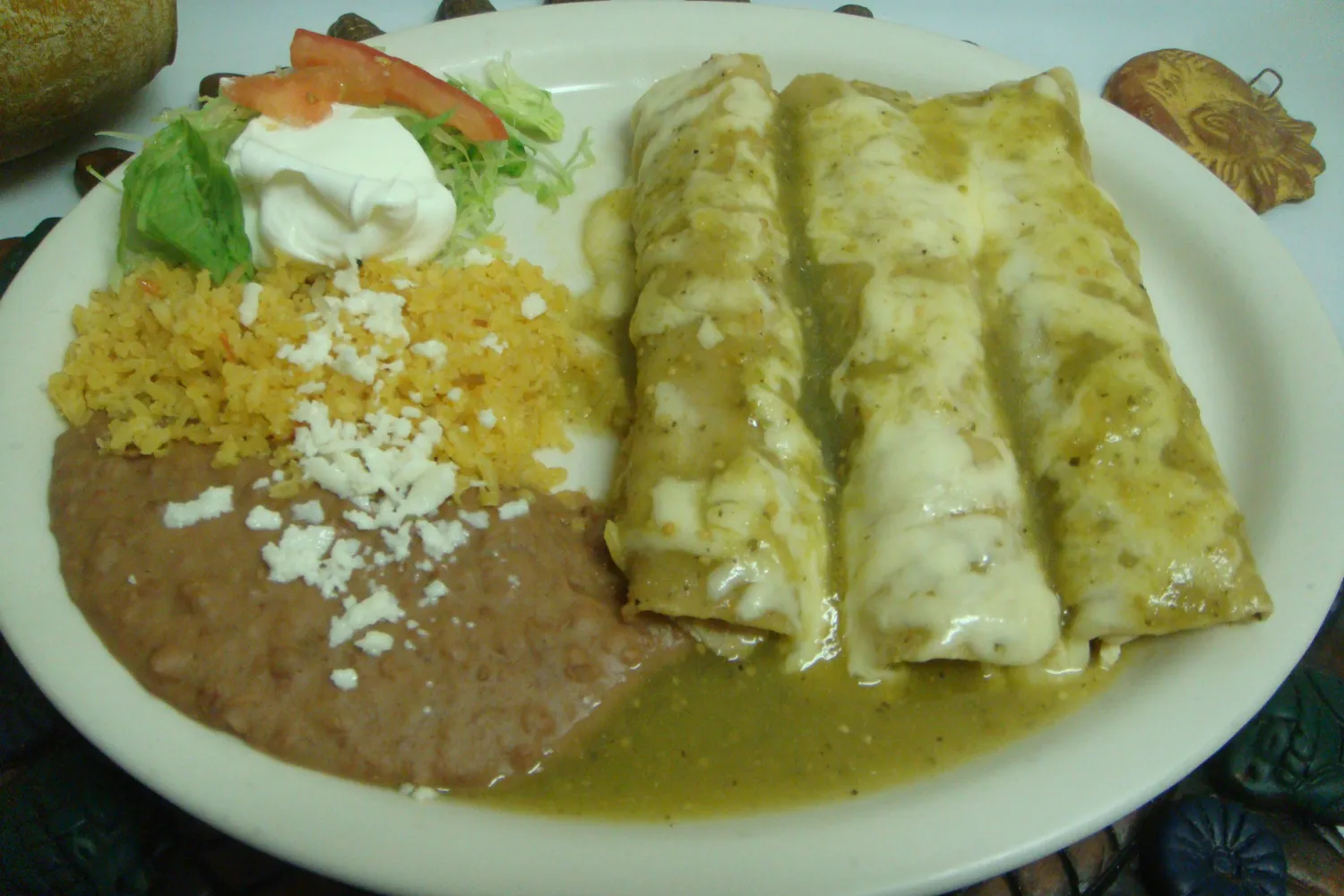
Upload a dish photo and adjust the background and lighting with AI. Pay with credits, without a monthly fee. Includes 10 credits to start.
Illustrative example. Results depend on your photo. Each photo uses 1 to 3 credits depending on the AI model. We include 10 free credits to start and 3 each month.
AI Studio
From $49
Credit-basedOne-time payment. Never added to your monthly bill.
La Comanda
Your bill
No lock-in. Cancel anytime.
The total includes the base plan and selected modules. Change them later from your dashboard.
The base plan costs $149 MXN per month. Modules are charged separately. Less than $5 a day.
The trial includes Online Payments & Delivery, Inventory Pro, and Reports Pro. Invoicing requires a paid module and fiscal setup.
This calculation is an estimate. Choose your modules when you subscribe.
La Comanda
Common questions